
Allplan in.
Work done out.
Can ArchX take work off a Allplan practice? Yes, through the files Allplan exports: drawings as PDF or DXF, models as IFC. 19 of the 23 videos apply: 7 start from such a file and 12 need no CAD file at all. None of them shows ArchX inside Allplan; on video, only Archicad is shown with ArchX working in the open model.
What you give ArchX.
- Drawings: print the sheets to PDF or save the drawing as DXF. ArchX does not open DWG on its own.
- Models: export IFC. ArchX reads elements, quantities and rooms with their areas from an IFC model.
What comes back.
- Drawings come back as DXF, which Allplan imports; models come back as IFC, which it also imports.
- Reports, schedules and letters come back as PDF, Word and Excel in the project’s Results folder.
19 tasks for a Allplan practice.
From your Allplan files
These runs started from a drawing as DXF or PDF, or from a picture of a view: files Allplan writes.
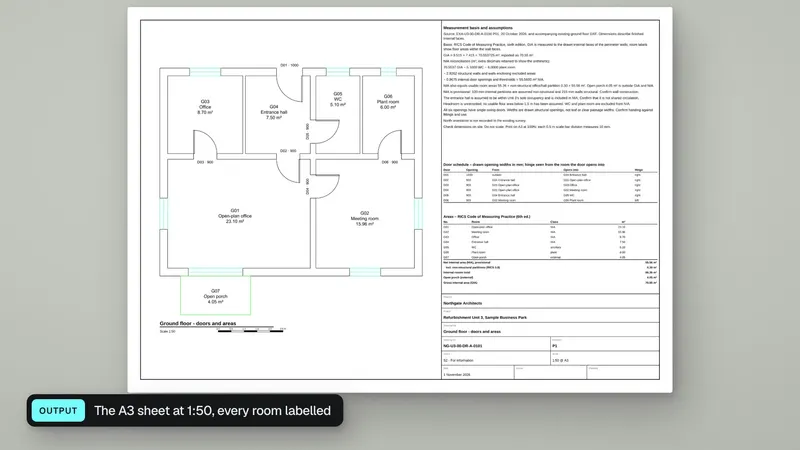 Video 0545 s
Gross internal area and net internal area to the RICS Code, from a bare DXF
A bare plan in. Measured areas out.
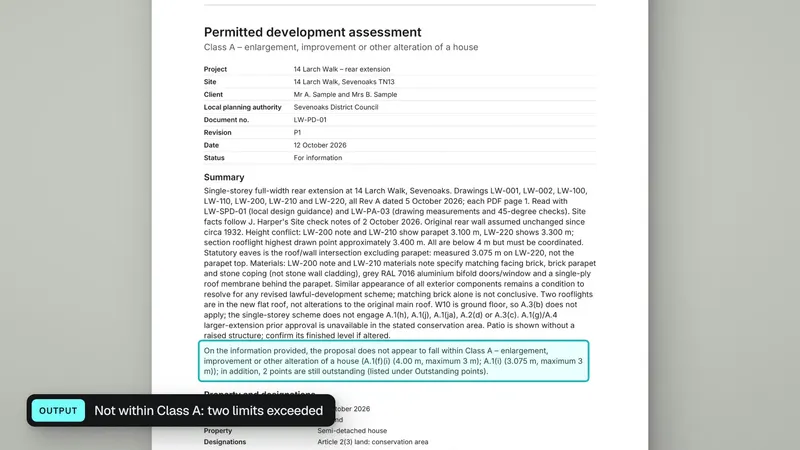 Video 0645 s
Permitted development check of a rear extension, with the 45-degree rule drawn
Seven drawings in. Planning answer out.
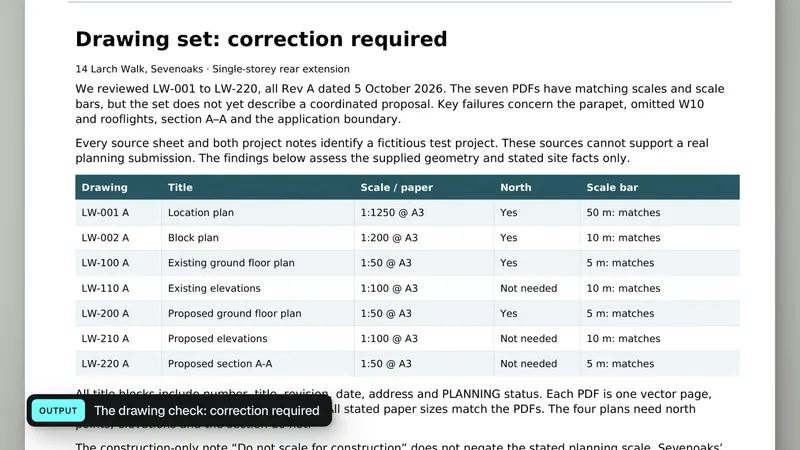 Video 0847 s
Drawing coordination check of seven planning drawings, sheet against sheet
A drawing set in. Every clash out.
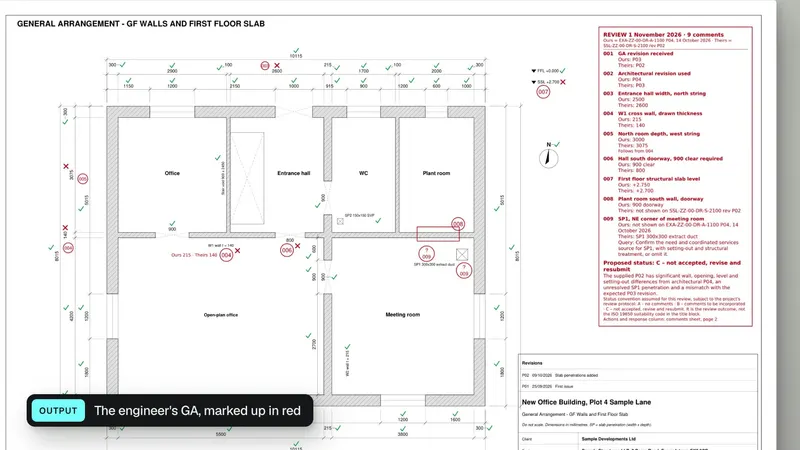 Video 0945 s
Redline markup of the engineer’s GA against our plan, with a comment sheet
Two drawings in. Nine comments out.
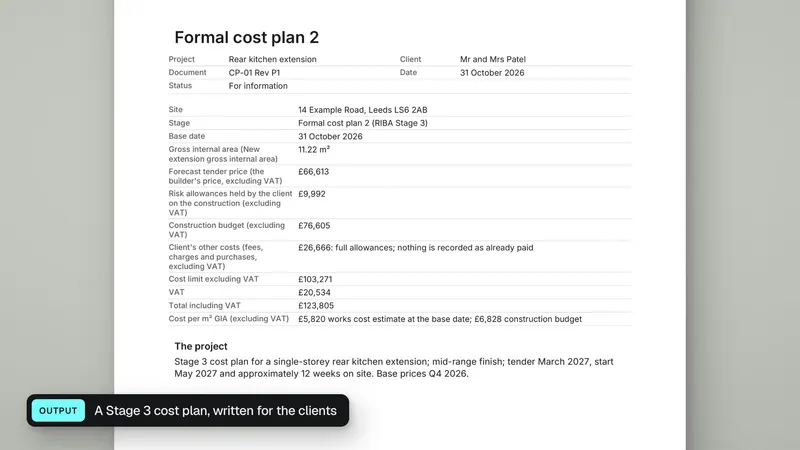 Video 1246 s
RIBA Stage 3 cost plan, elemental, priced with the practice’s own rates
A brief in. Cost plan out.
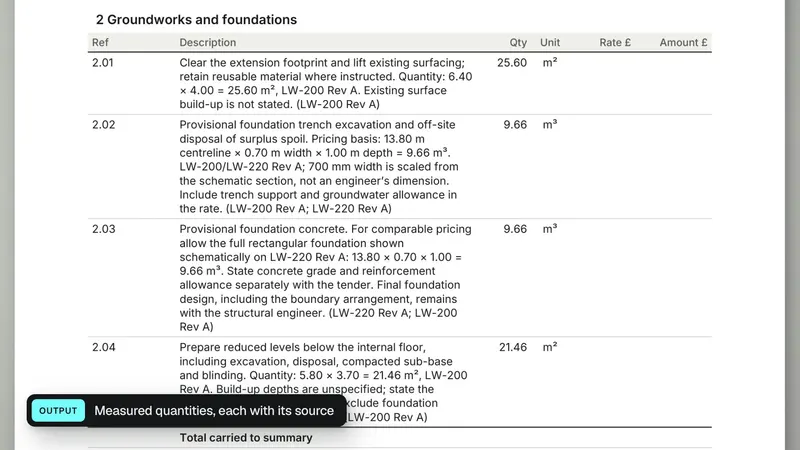 Video 1346 s
Tender pack from seven drawings: schedule of works and three invitations
Drawings in. Tender pack out.
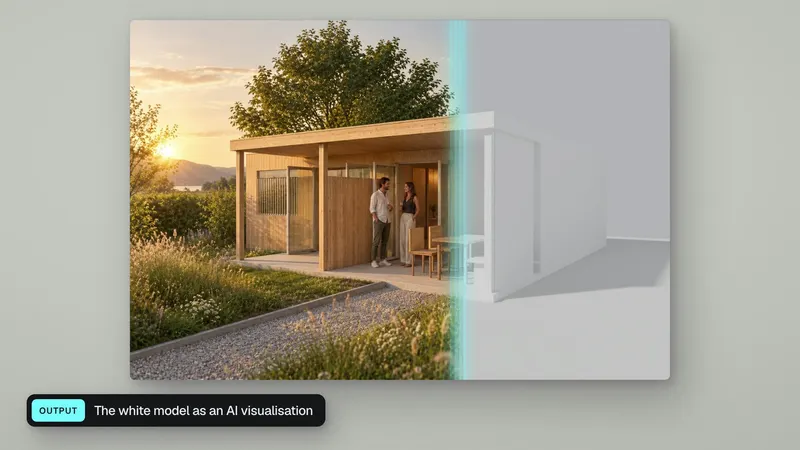 Video 2247 s
White model rendering: one view to a realistic AI visualisation, then winter
A white model in. A rendering out.
No CAD file needed
These runs start from a sketch, a scan, a sentence, notes, letters, tenders, photos, an address or point clouds: the same whatever program you draw in.
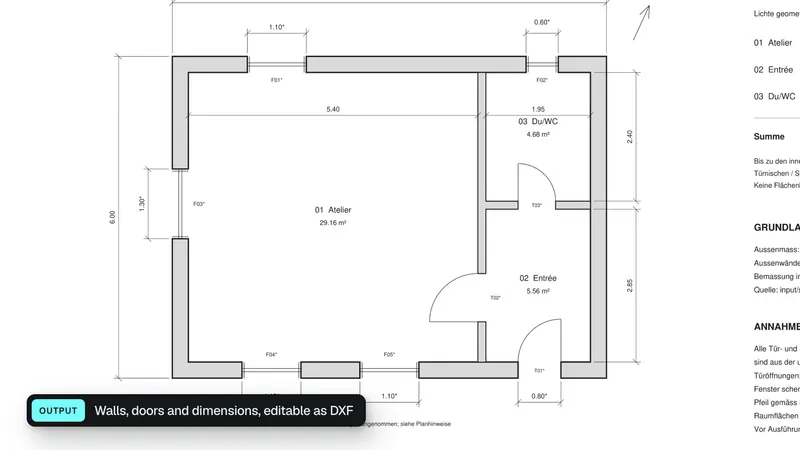 Video 0138 s
Sketch to CAD: a hand sketch redrawn as a DXF floor plan with room areas
Sketch in. CAD plan out.
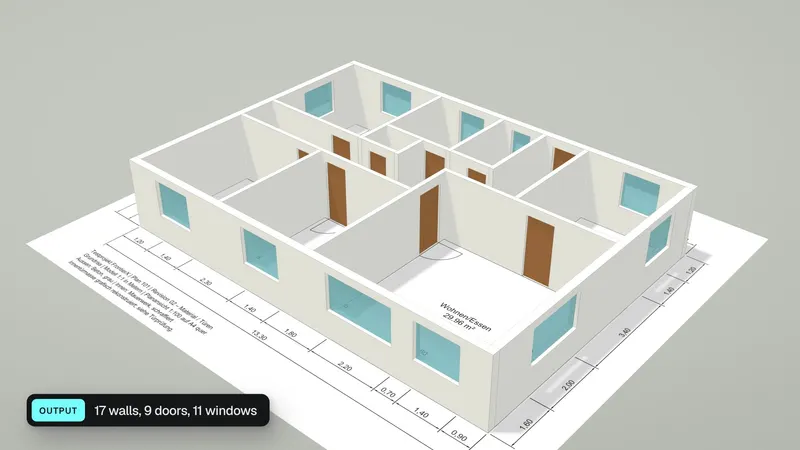 Video 0239 s
Floor plan to 3D model: a scanned paper plan to a DXF drawing and an IFC model
Paper plan in. 3D model out.
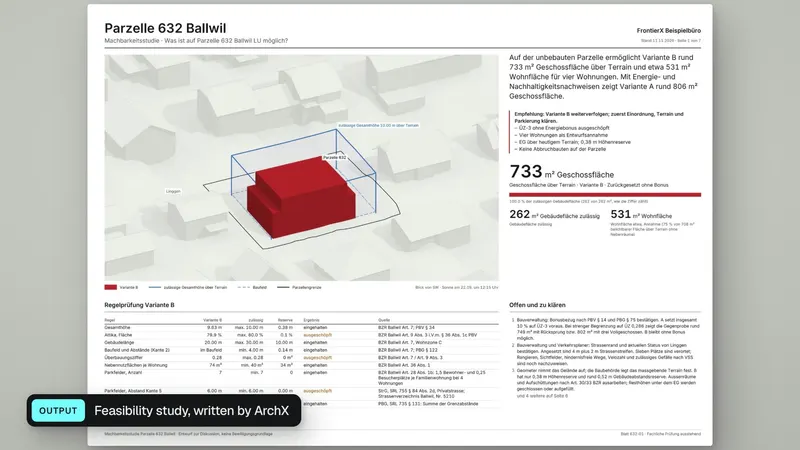 Video 0342 s
Site feasibility study with four options, from one sentence and public records
One sentence in. Feasibility study out.
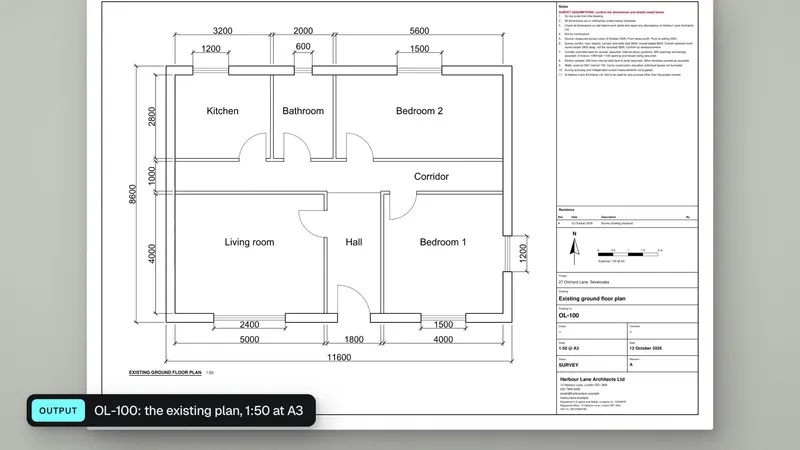 Video 0447 s
Existing floor plan from measured survey notes, plus two extension options in 3D
Survey notes in. Plans and 3D out.
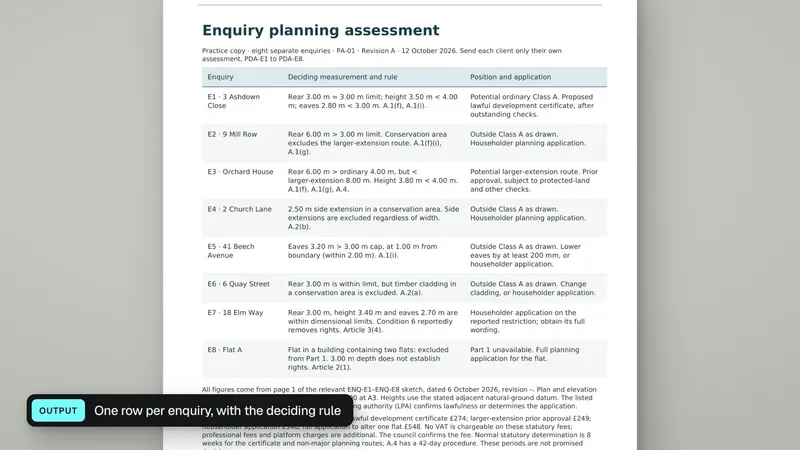 Video 0745 s
Eight householder enquiries checked against the permitted development rules
Eight enquiries in. Eight answers out.
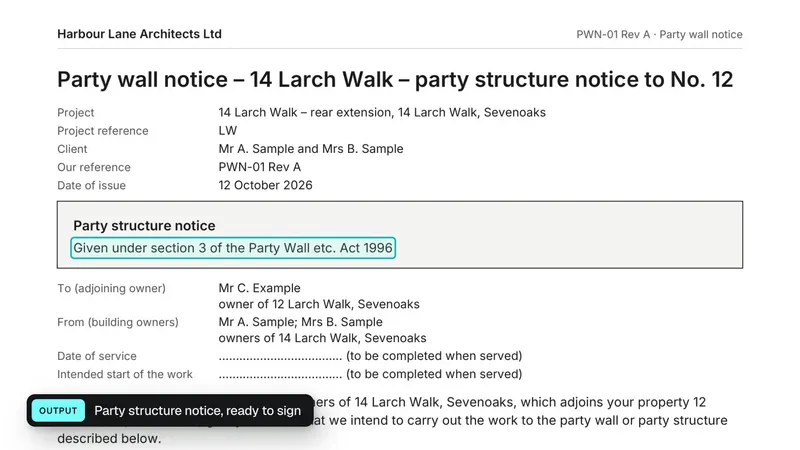 Video 1047 s
Party wall notices under the 1996 Act: who to serve, the periods, eight notices
The neighbours in. Eight notices out.
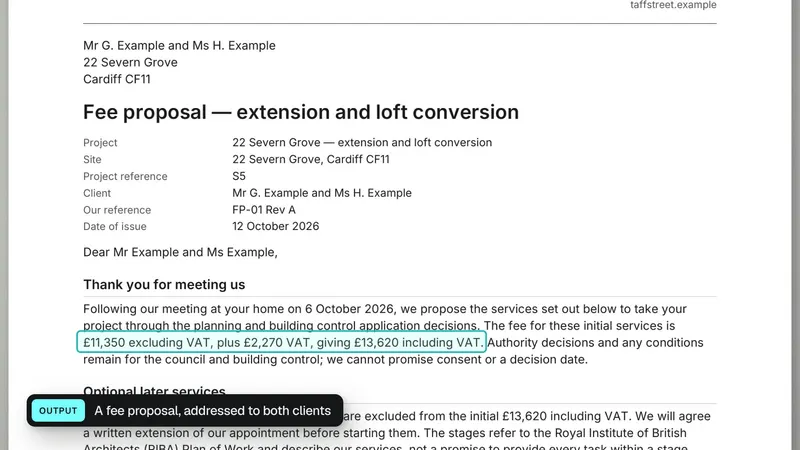 Video 1143 s
Architect fee proposal by RIBA stage, with terms of engagement to sign
An enquiry in. Fee proposal out.
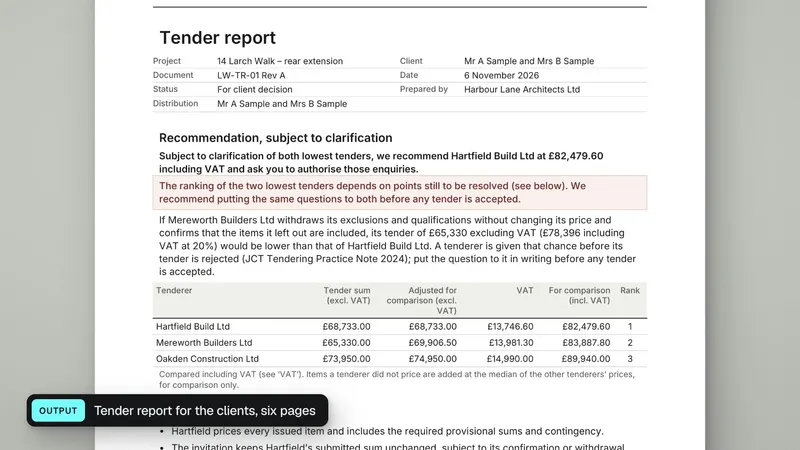 Video 1446 s
Tender analysis and tender report from three returned tenders
Three tenders in. One recommendation out.
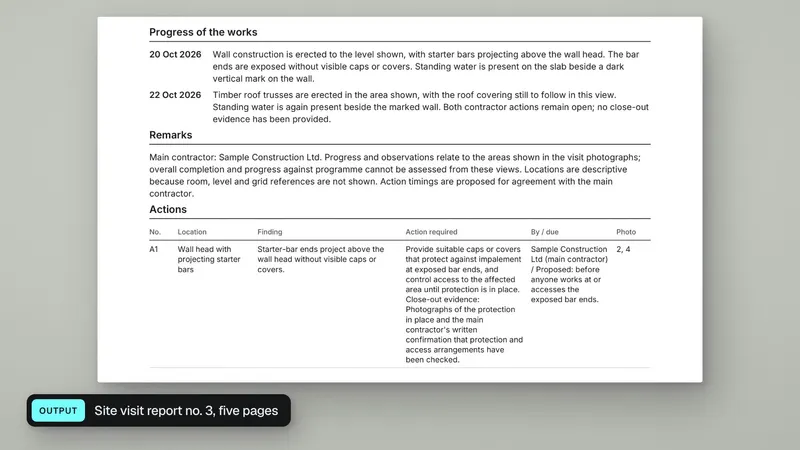 Video 1544 s
Site visit report from the photos of two visits, with the contractor’s actions
Site photos in. Site report out.
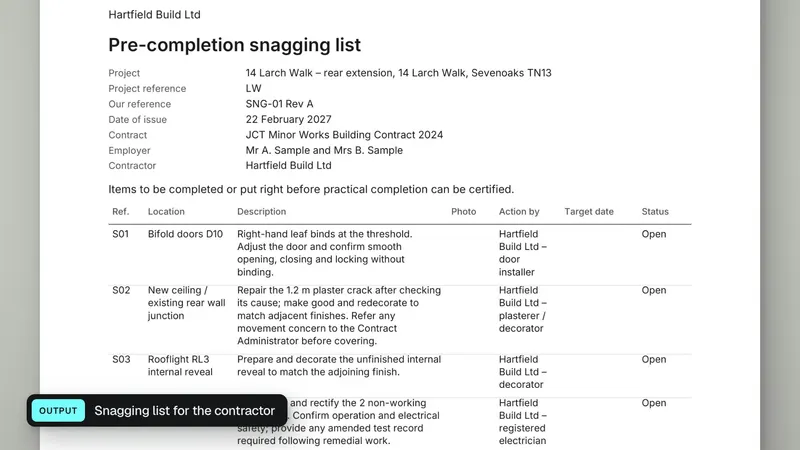 Video 1645 s
Snagging list from pre-completion inspection notes, plus a handover checklist
Inspection notes in. Snagging list out.
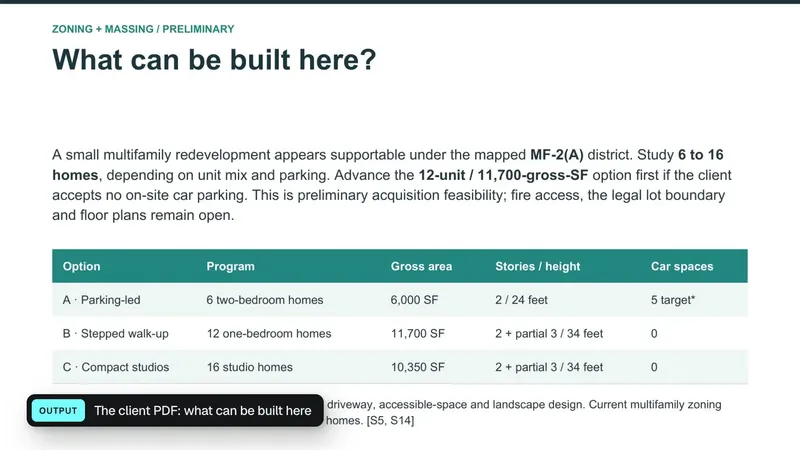 Video 1746 s
Zoning analysis and massing options for a Dallas lot, from the address alone
One address in. Three options out.
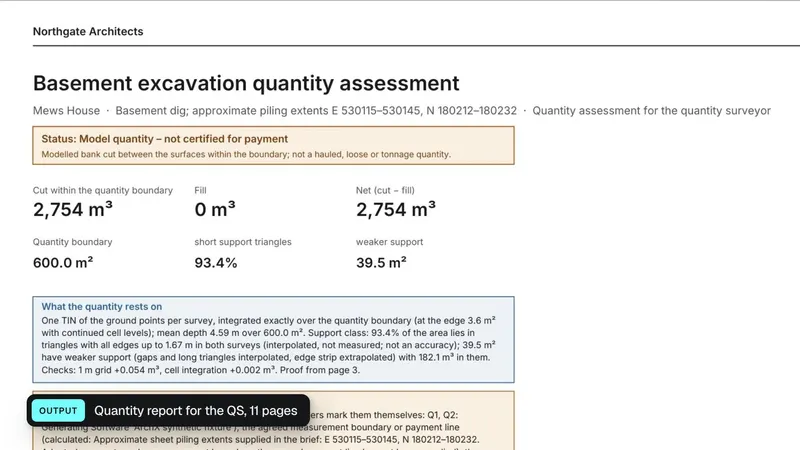 Video 1844 s
Excavation volume calculation: cut and fill from two drone point clouds
Two drone scans in. Cubic metres out.
Shown in Archicad only
These three videos work inside Archicad. No video shows ArchX inside Allplan.
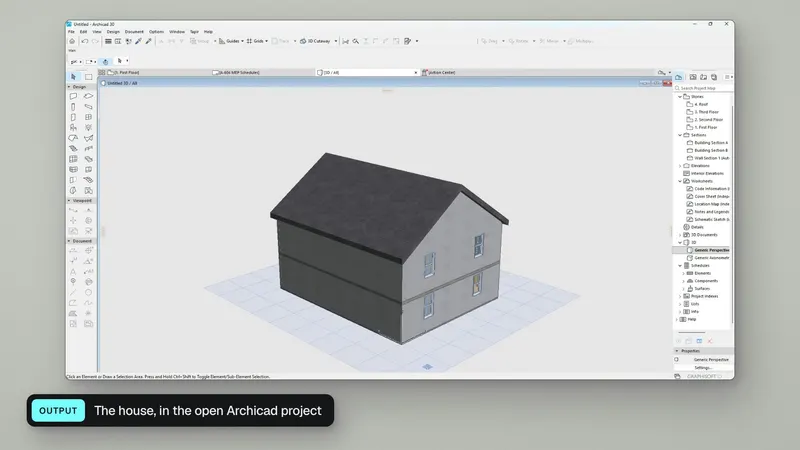 Video 1942 s
Archicad AI agent: shell, roof, 3D check and sheet from plain sentences
Four sentences in. Archicad house out.
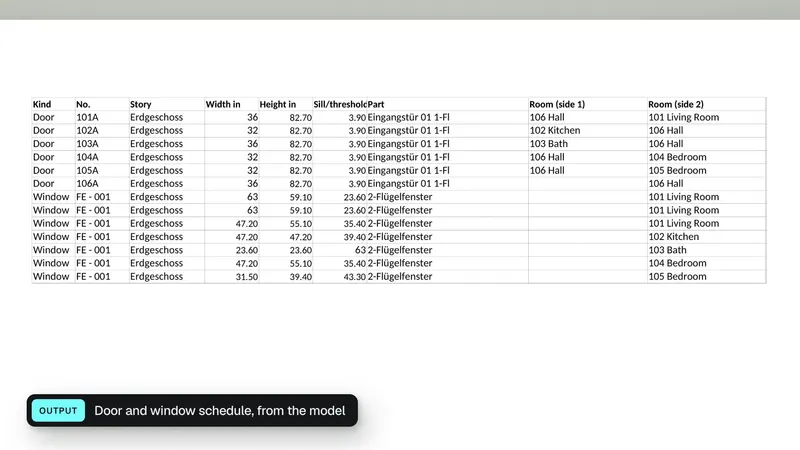 Video 2041 s
Door numbering by room and a door and window schedule from the open model
Archicad model in. Door schedule out.
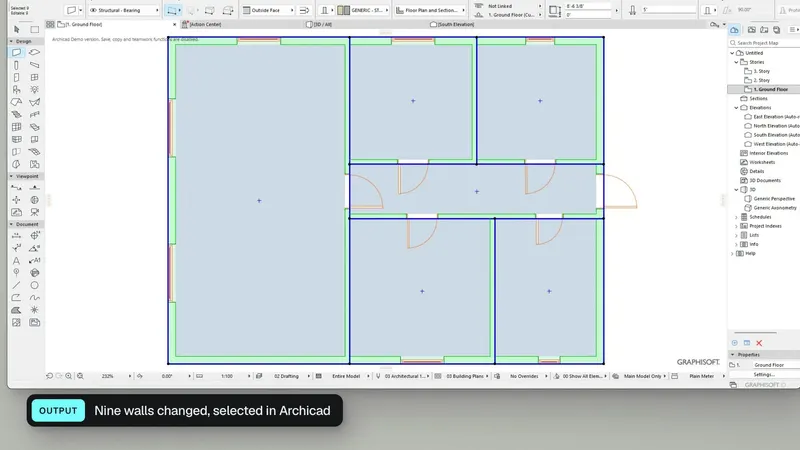 Video 2145 s
Archicad quantity takeoff, FAR and lot coverage, and a fire rating on nine walls
Archicad model in. Quantities out.
Asked briefly.
Does ArchX work inside Allplan?
None of these videos shows that. On video, ArchX works in the open model only in Archicad. With Allplan, the videos start from the files Allplan exports.
Which Allplan files does ArchX read?
Drawings as PDF and DXF, models as IFC, and pictures of a view. It does not open DWG on its own; save the drawing as DXF.
Which tasks work whatever CAD we use?
Every task that starts from photos, notes, letters, tenders, an address or point clouds: site reports, snagging lists, fee proposals, party wall notices, tender reports, zoning studies and excavation volumes among them.
That was the film.
Now your project.
Download ArchX for Mac or Windows and give it the first task on your own files. 7 days free, without payment details.