
Site visit reports.
From your site photos.
What a site visit report should contain, how to sort and date site photos, and a real report with contractor actions that ArchX wrote from two visits.
What goes into a site visit report?
The date and purpose of each visit, where the works have got to, your remarks with photos that are placed, dated and described, the actions for the contractor with how each will be closed out, and who receives the report. The photos only help if each one belongs to the right visit and the right job, so sorting them comes first.
Getting the photos right
Most errors in a site visit report happen before the writing starts:
- The office camera’s clock runs fast or slow; GPS time or a phone photo of the same moment shows it.
- Private pictures or photos from another site sit in the same folder.
- Near-duplicates make the report long without showing more.
- A remark has no location, element or responsible party.
- An action has no close-out evidence.
How to do it.
- 01
Sort the photos
Read date, place and camera for each photo; set aside what does not belong.
- 02
Align the times
Correct a camera that is off and put each photo with the right visit.
- 03
Describe
For each photo: what it shows, which element, which stage.
- 04
Actions
What the contractor needs to do, with the close-out evidence.
- 05
Report and list
The report as PDF and Word, the actions as a spreadsheet.
A real example: site visit report no. 3 from eight photos.
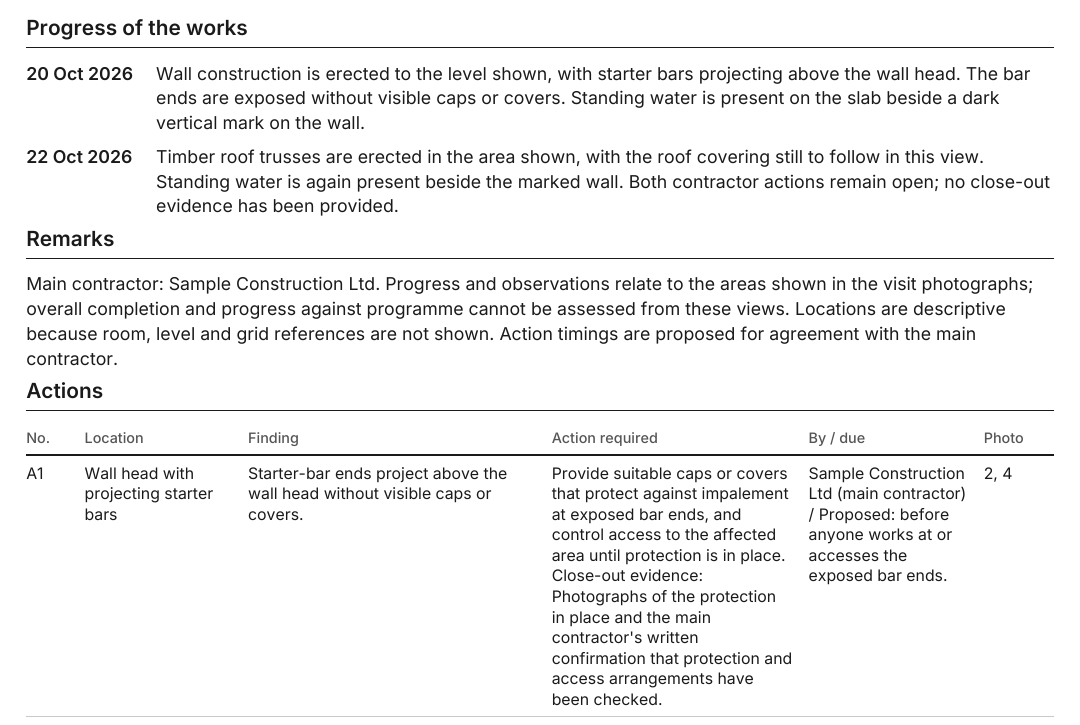
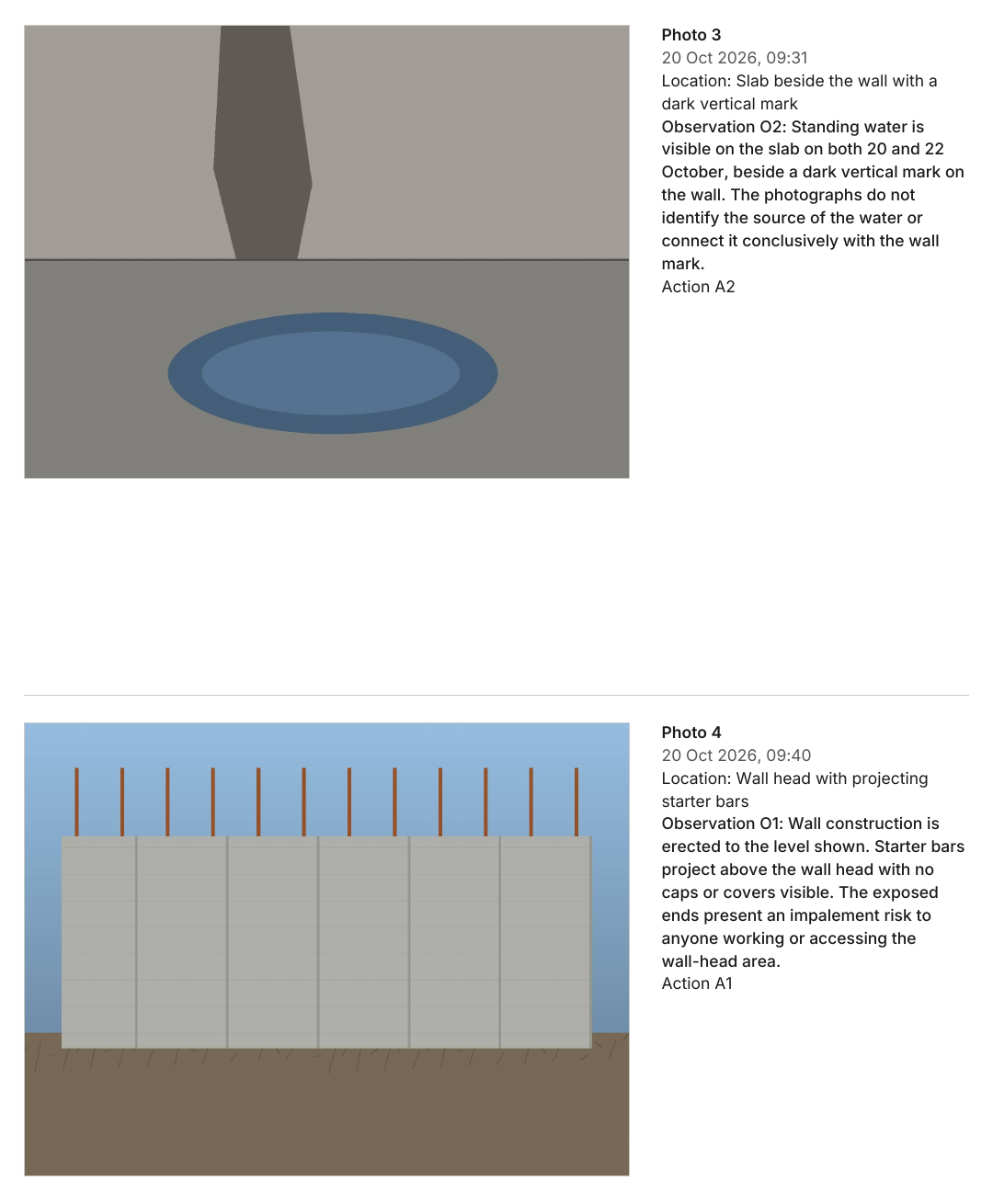
Eight photos from two visits in the folder, including a private picture and one from another site: ArchX left those out, corrected the office camera’s time and wrote the report with the contractor actions.
ArchX working time, measured
placed, dated and described in the report (out of eight in the folder)
corrected time for photo 4 from the office camera
Test project: Blind-test task: eight synthetic site images (EXIF 'synthetic fixture'), including a private picture and one from another site; fictitious parties (Example Client Ltd, Sample Construction Ltd); report issued as 'Northgate Architects (fictitious)'. See the full result
Asked briefly.
Does ArchX spot photos from another site?
In the example, yes: a private picture and a photo from another site were left out. Check the selection before the report goes out.
What format is the report in?
PDF and Word, with the contractor actions as an Excel list you can keep up to date.
How long does it take?
In the example 4 min 03 s of ArchX working time, measured.
Try it on your own work.
Download ArchX for Mac or Windows and give it a task from your practice. 7 days free with your ChatGPT account (Plus or higher).