
Site photos.
Sorted into the site report.
ArchX sorts site photos by date, location and element, describes what they show and writes the site report.
What goes in.
You
Could you put together site visit report no. 3 for … (our project 2417, …) from my visits on 20 and 22 October? The photos are all in the Photos folder – it's what came off my phone plus a few from the office camera, so not everything in there is from this job. Client is Example Client Ltd, main contractor Sample Construction Ltd. Please list the actions for the contractor and say where the works have got to.
Files
- Photos/2026-
10- 20 Site visit/DSC09021. JPG - Photos/2026-
10- 20 Site visit/IMG_ 4101. JPG - Photos/2026-
10- 20 Site visit/IMG_ 4102. JPG - Photos/2026-
10- 20 Site visit/IMG_ 4103. JPG - Photos/2026-
10- 20 Site visit/IMG_ 4104. JPG - Photos/2026-
10- 20 Site visit/IMG_ 4105. JPG - Photos/2026-
10- 22 Site visit/IMG_ 4131. JPG - Photos/2026-
10- 22 Site visit/IMG_ 4132. JPG
Test project: Blind-test task: eight synthetic site images (EXIF 'synthetic fixture'), including a private picture and one from another site; fictitious parties (Example Client Ltd, Sample Construction Ltd); report issued as 'Northgate Architects (fictitious)'.
What ArchX gives back.
From the answer
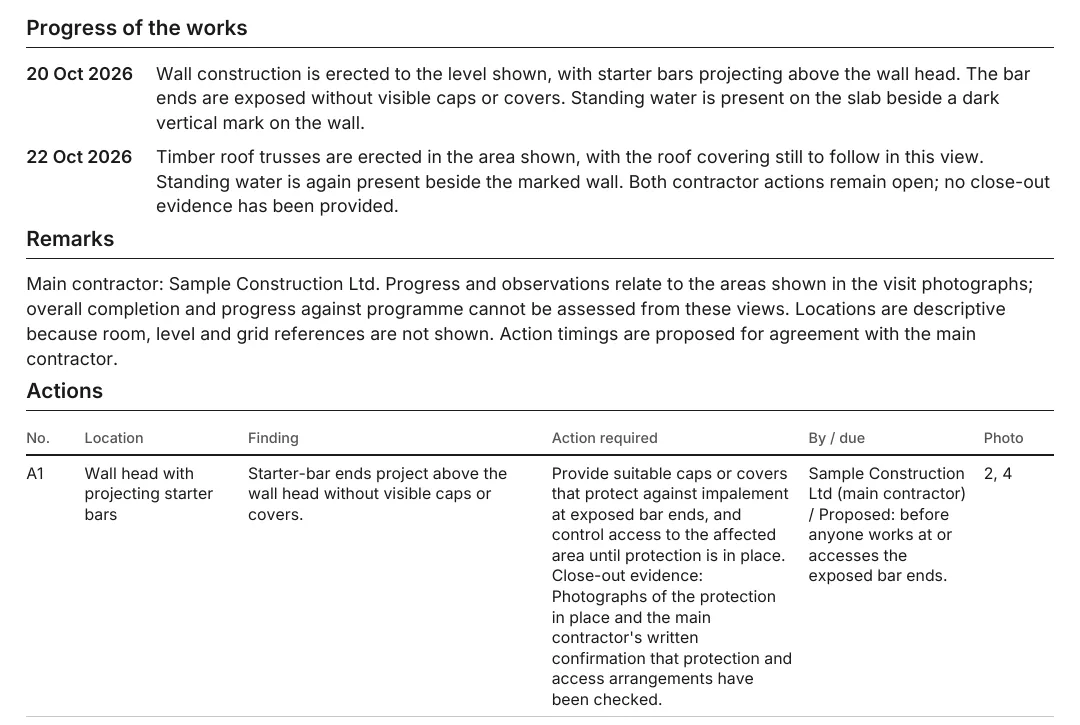
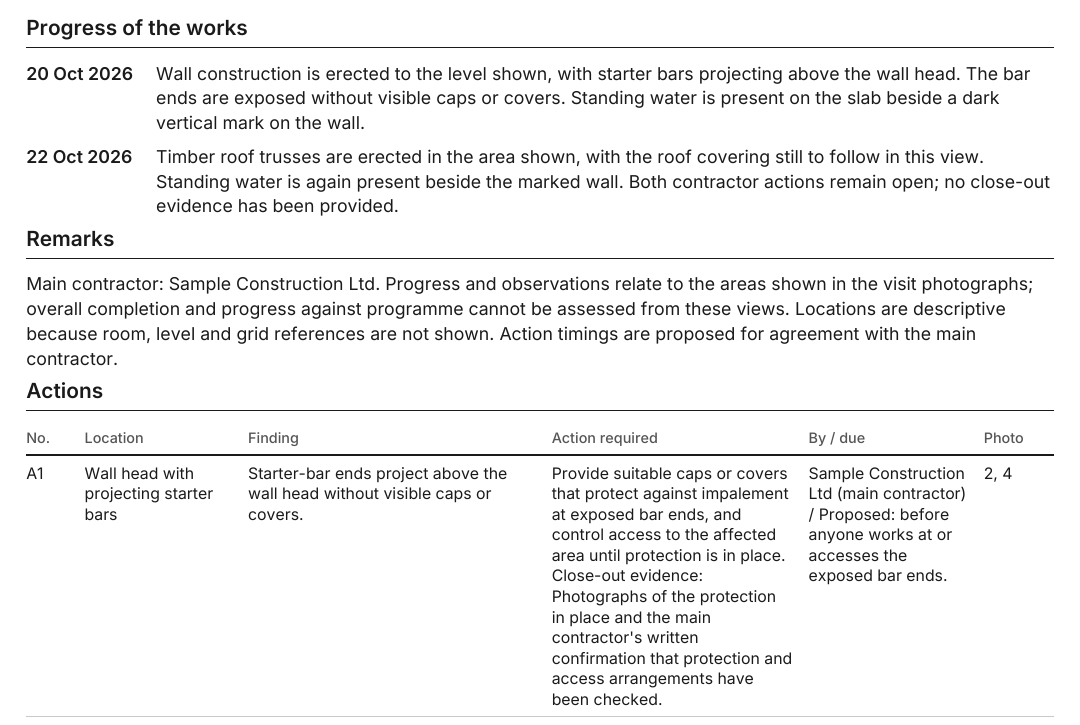
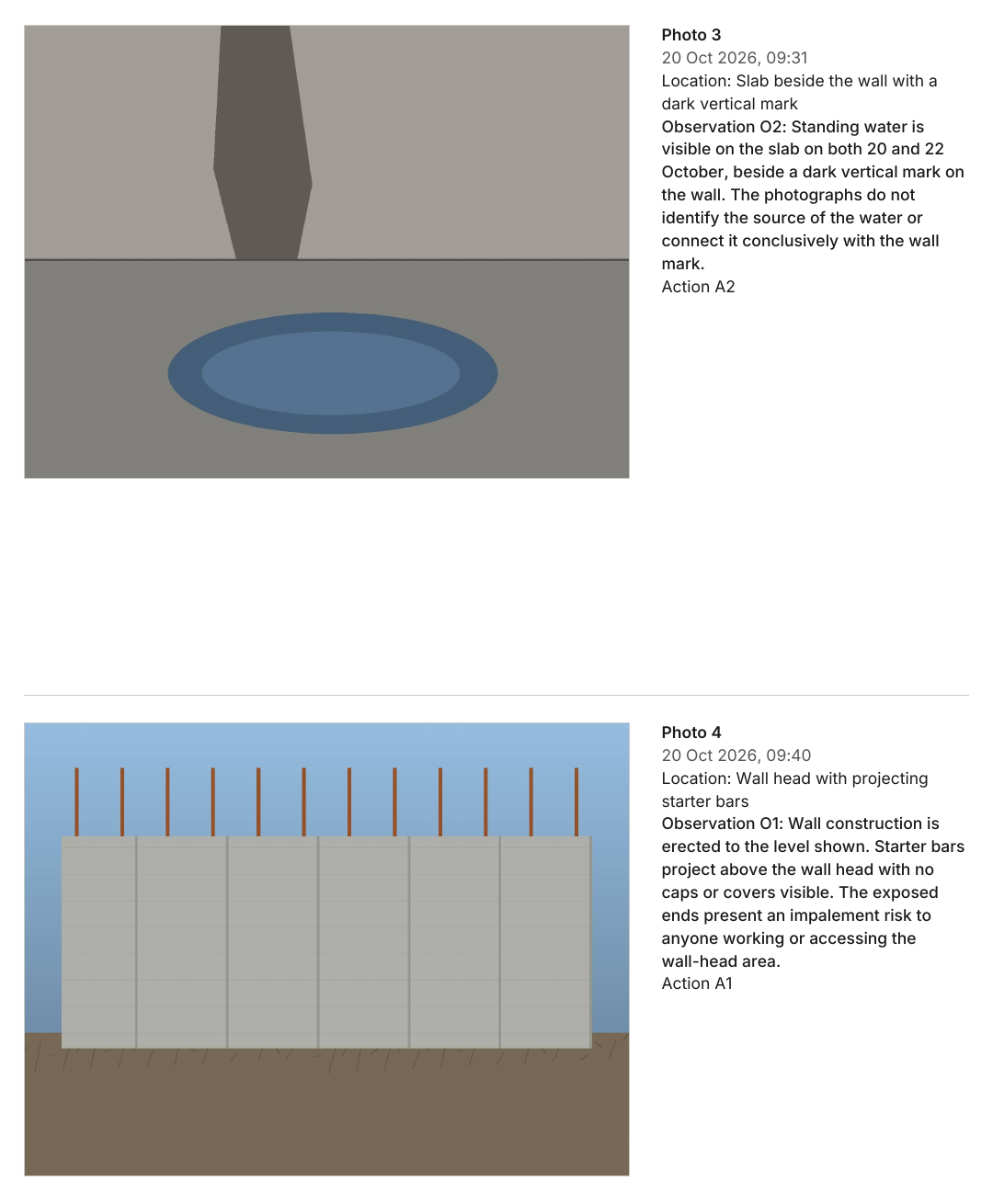
Six photos are included; one unrelated-site photo and one private photo were excluded. Photo 4’s office-camera time was corrected to 9:40am.
Saved files
- 2026-
11- – Site visit report no. 3, 5 pages: progress of the works, remarks, contractor actions and six annotated photographs01 Site visit report 3. pdf - 2026-
11- – Editable Word report01 Site visit report 3. docx - 2026-
11- – Contractor action list in Excel01 Site visit report 3 Actions. xlsx
Measured, not estimated.
ArchX working time for this brief, measured.
Run of 1 November 2026
placed, dated and described in the report (out of eight in the folder)
Run of 1 November 2026
corrected time for photo 4 from the office camera
Run of 1 November 2026
How to.
Put the photos of a site visit in the project folder and ask for the site report. Try ArchX free for 7 days with a task from your own practice.